Question: How do I set up and pair the Connect SmartHome 4G Dual Camera?
Answer:
Model reference: CSH-4GDLN-667
Applies to: CSH-4GDLN-667
If your SKU differs, search our support page by your Model SKU to find the correct article.
To set up the Connect SmartHome 4G Dual Camera with Solar Panel:
- Fully charge the camera before installation.
- Insert a compatible microSD card if you want event recordings.
- Download the Connect SmartHome app.
- Create an account, confirm your email and log in.
- Open the waterproof cover on the back of the camera.
- Slide the power switch to ON.
- Wait until the blue indicator light flashes quickly.
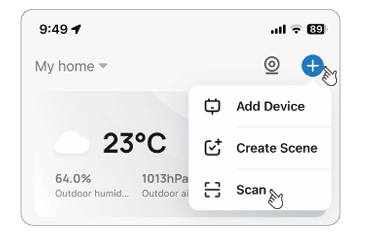
- In the app, tap the + icon and choose Scan.
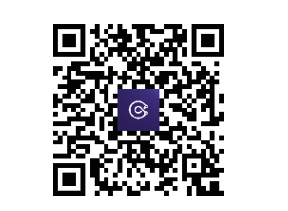
- Scan the Pairing QR code on the camera or supplied QR code card.
- Allow up to two minutes for the camera to be added.
- Tap Done to open the live camera view.
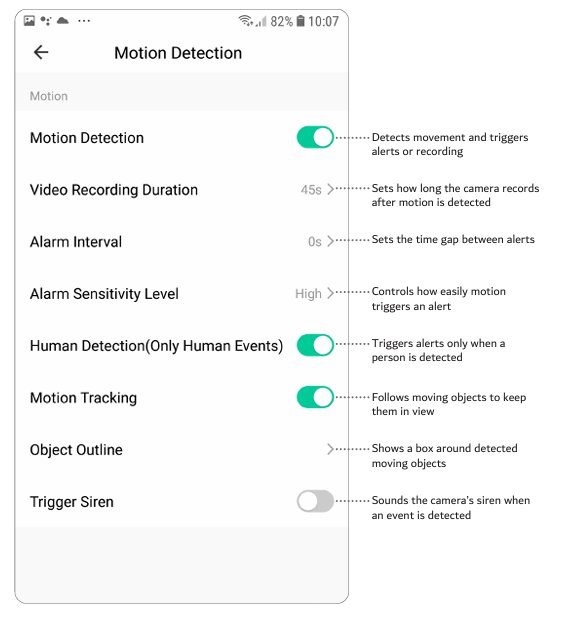
To enable alerts:
- Open the Me section in the app.
- Open Settings.
- Select App Notifications.
- Turn on the notification options you want to receive.
If pairing fails, reset the camera and repeat the setup process.
Was this article helpful?
That’s Great!
Thank you for your feedback
Sorry! We couldn't be helpful
Thank you for your feedback
Feedback sent
We appreciate your effort and will try to fix the article